Sample data
See exactly what you would get.
Every frame from the simulator comes in four forms, labelled automatically. The sample pack lets you load it into your own training code.
Get the pack when it's ready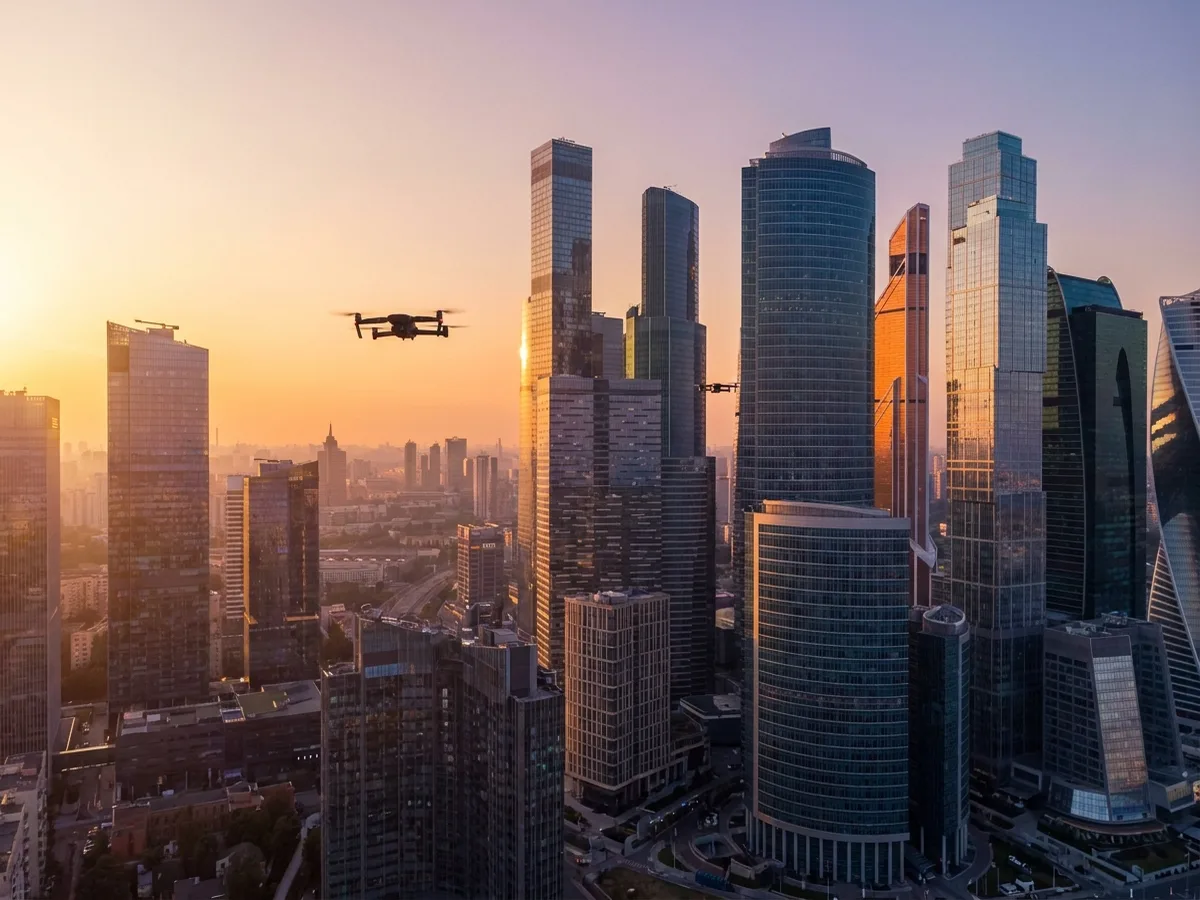
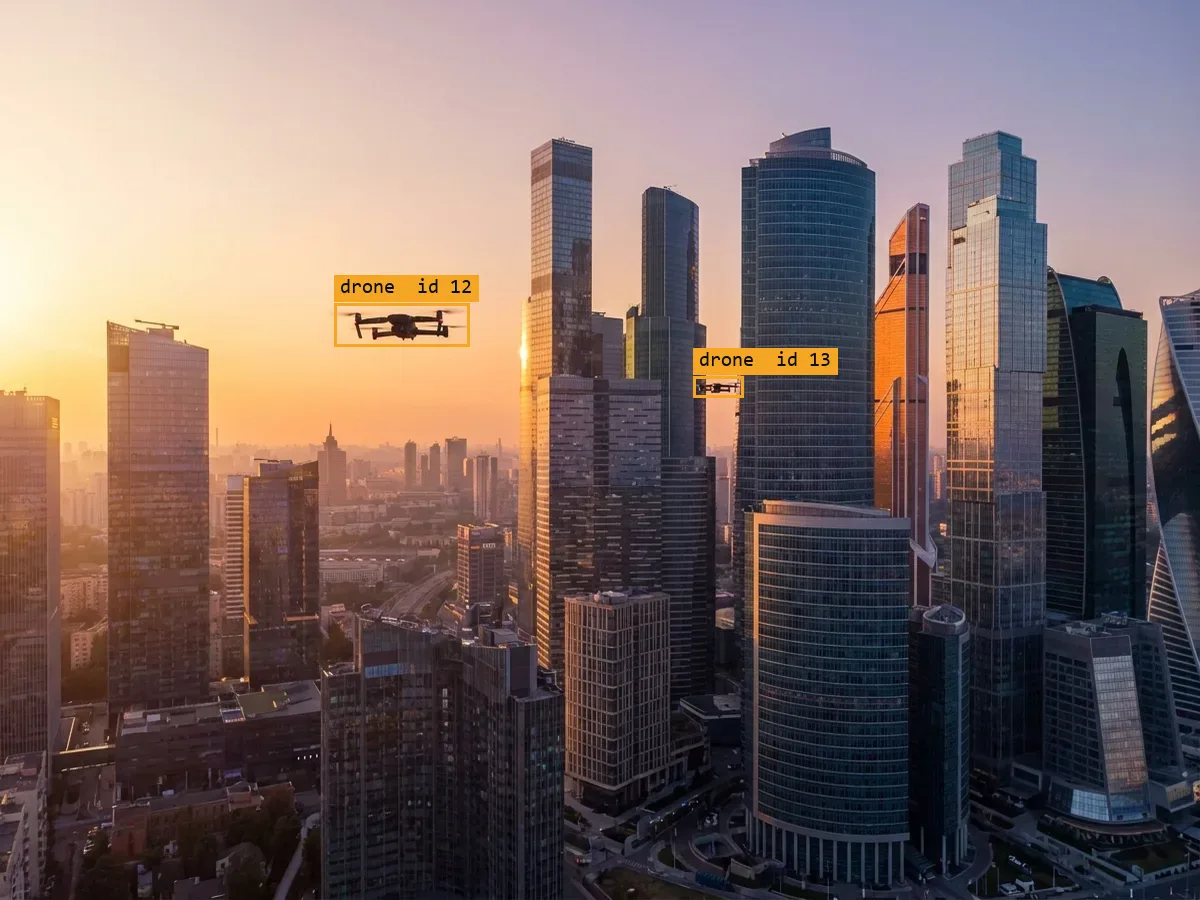 Camera2D boxes
One frame, four ways
Drag across the frame to see what comes with it.
The labels come from the simulator itself, so every box, depth value and mask pixel lines up exactly with the camera image. No hand labelling.
Illustration made with an AI image model, not a render from our simulator.
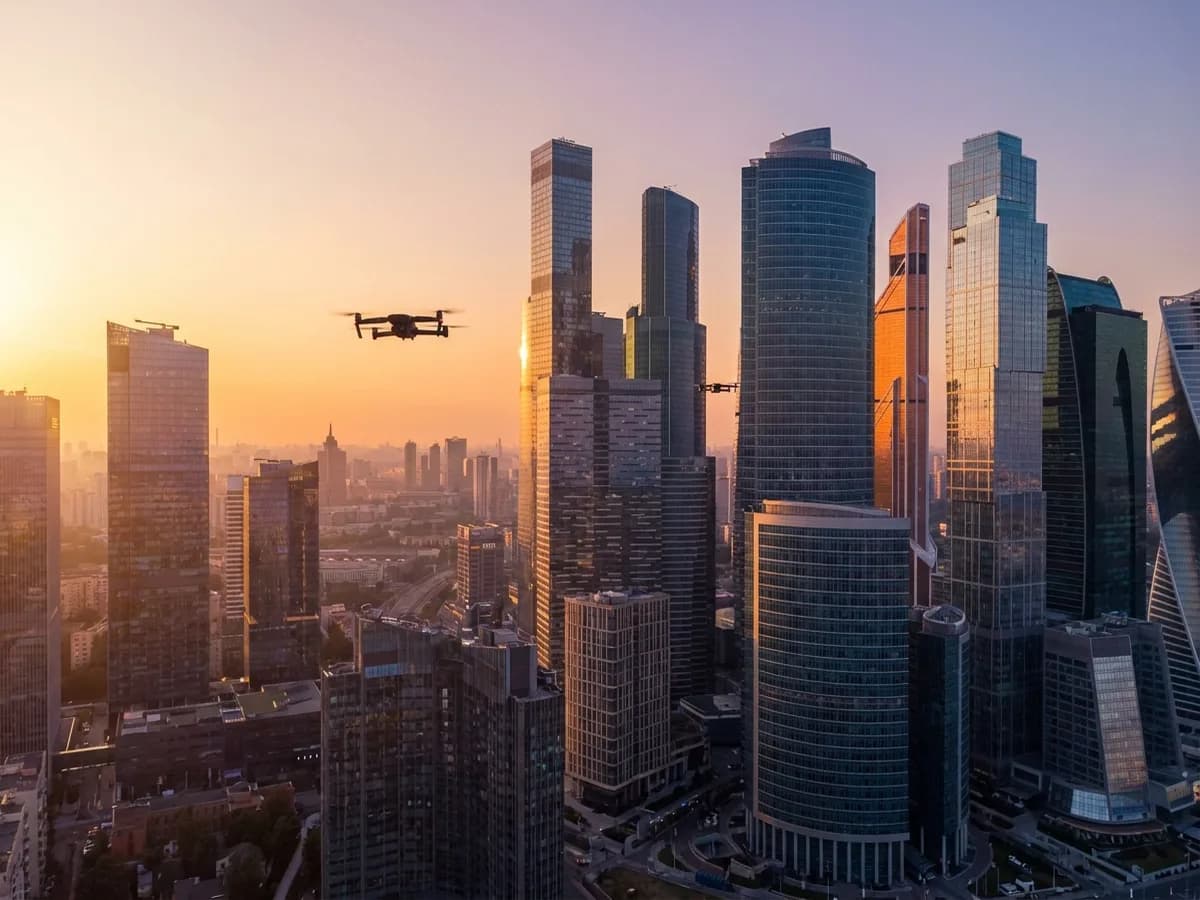
What the drone's camera sees, as a PNG.
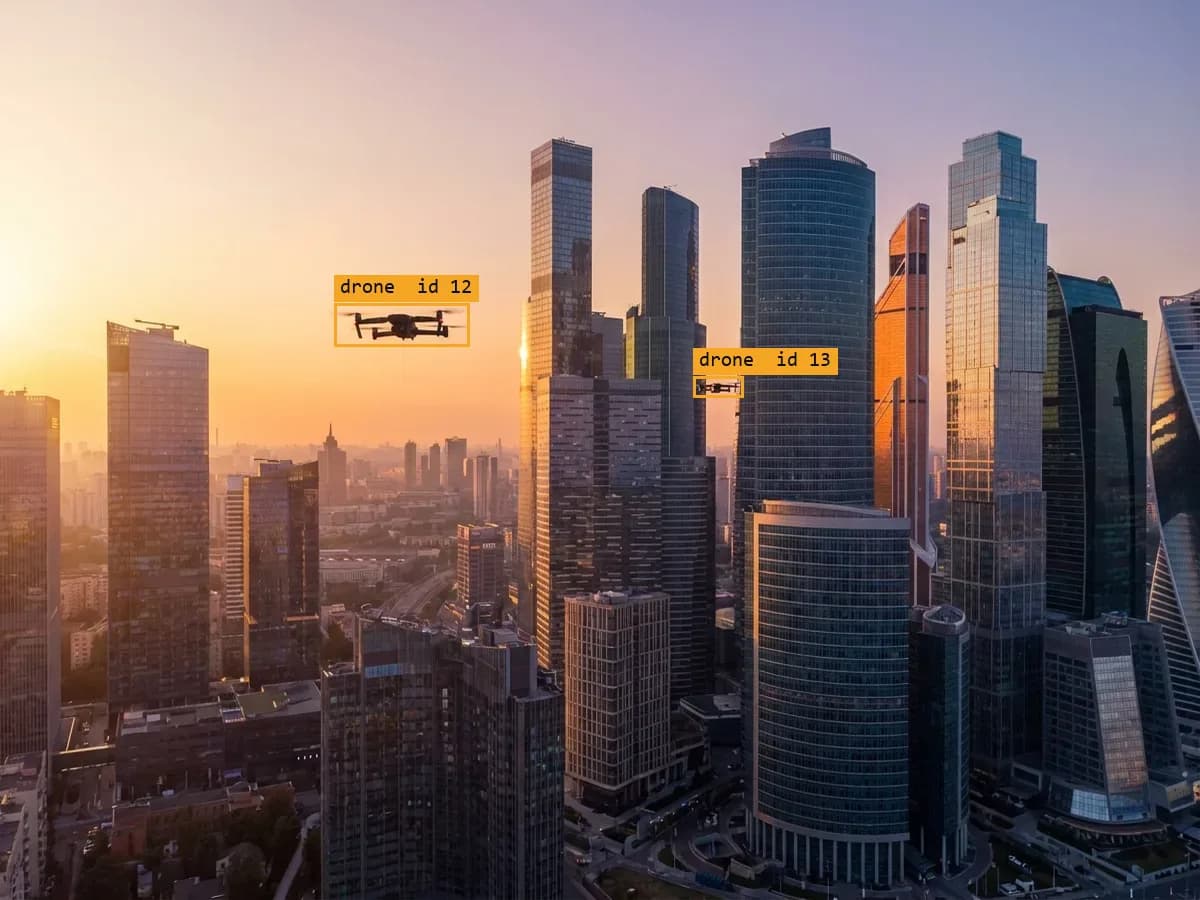
One box per visible object. Hidden objects get no box.
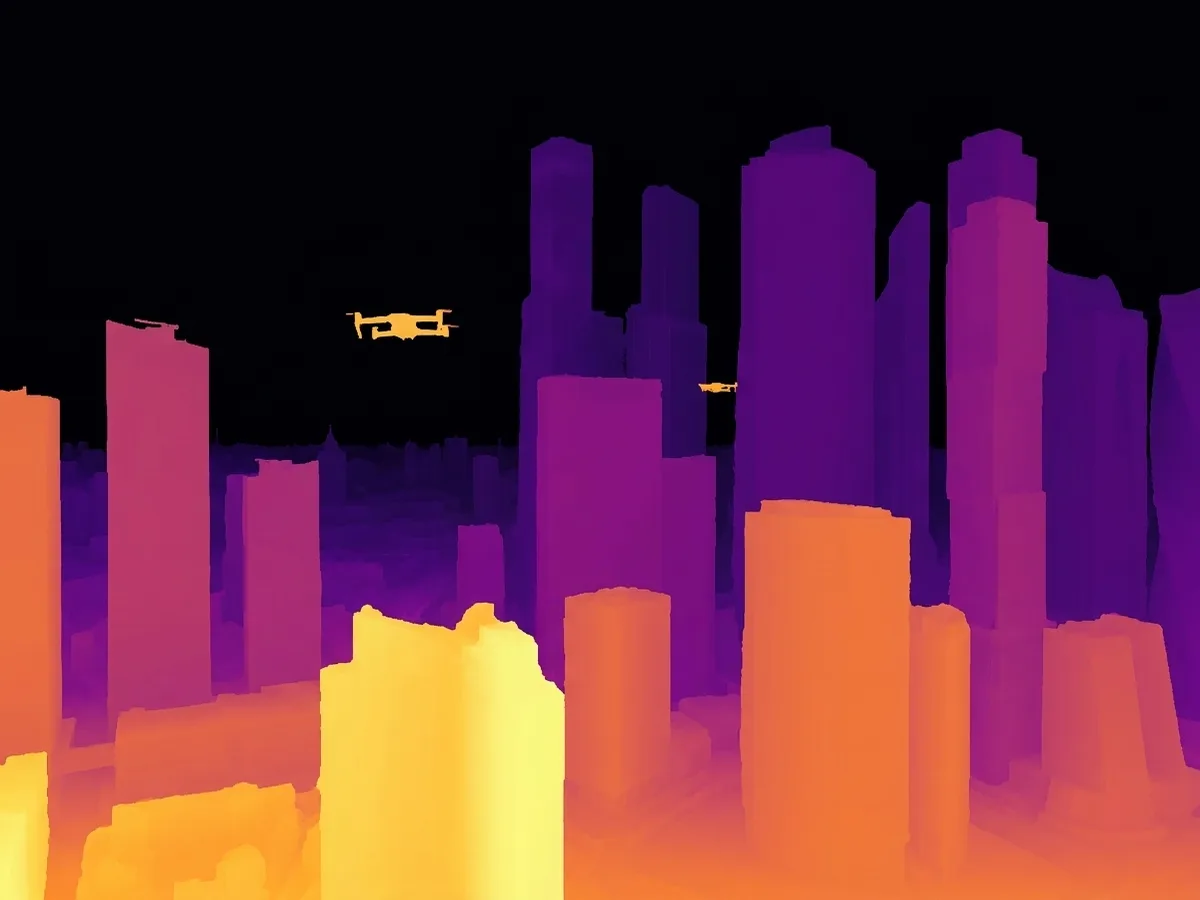
Distance from the camera for every pixel.
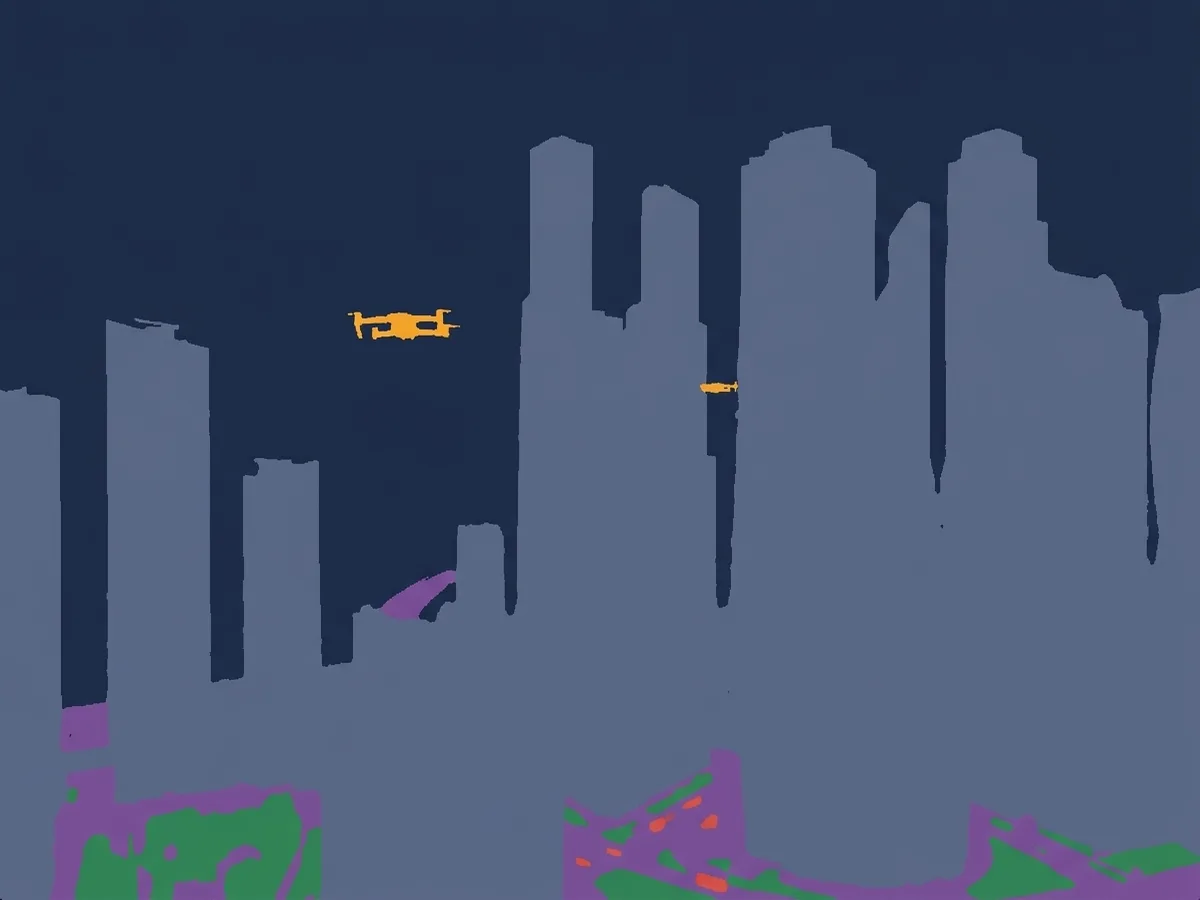
Which pixels belong to which object.
Illustration of the four outputs, made with an AI image model, not a render from our simulator. Real renders are being captured and will replace it.
What's in the pack
Ready for your training code.
Standard formats, so it loads into common detection tools without conversion.
ucr-sample-pack/
  images/           camera frames
  labels_coco.json  boxes in COCO format
  labels_yolo/      boxes in YOLO format
  depth/            one depth map per frame
  masks/            one mask per frame
  qa_report.json    what the dataset covers
  DATASHEET.md      how it was made
One label, up close
Every object carries its facts.
Besides the box, each object records how far away it is and how much of it is visible.
// example annotation, COCO format
{
  "category": "drone",
  "bbox": [x, y, width, height],
  "track_id": 12,
  "distance_m": 184.6,
  "visible_fraction": 0.82
}
Track IDs, distance and visibility are in testing and arrive with the next pack.
Download
Get the pack when it's ready.
We are capturing a fresh pack from our simulator. Leave your email and we'll send it the day it's ready, and nothing else unless you ask.